

Terminal appointment automation
Less checking.
More moving.
Set your appointment window. Let Vista handle the checks. Keep every task and outcome in view.
Open scheduler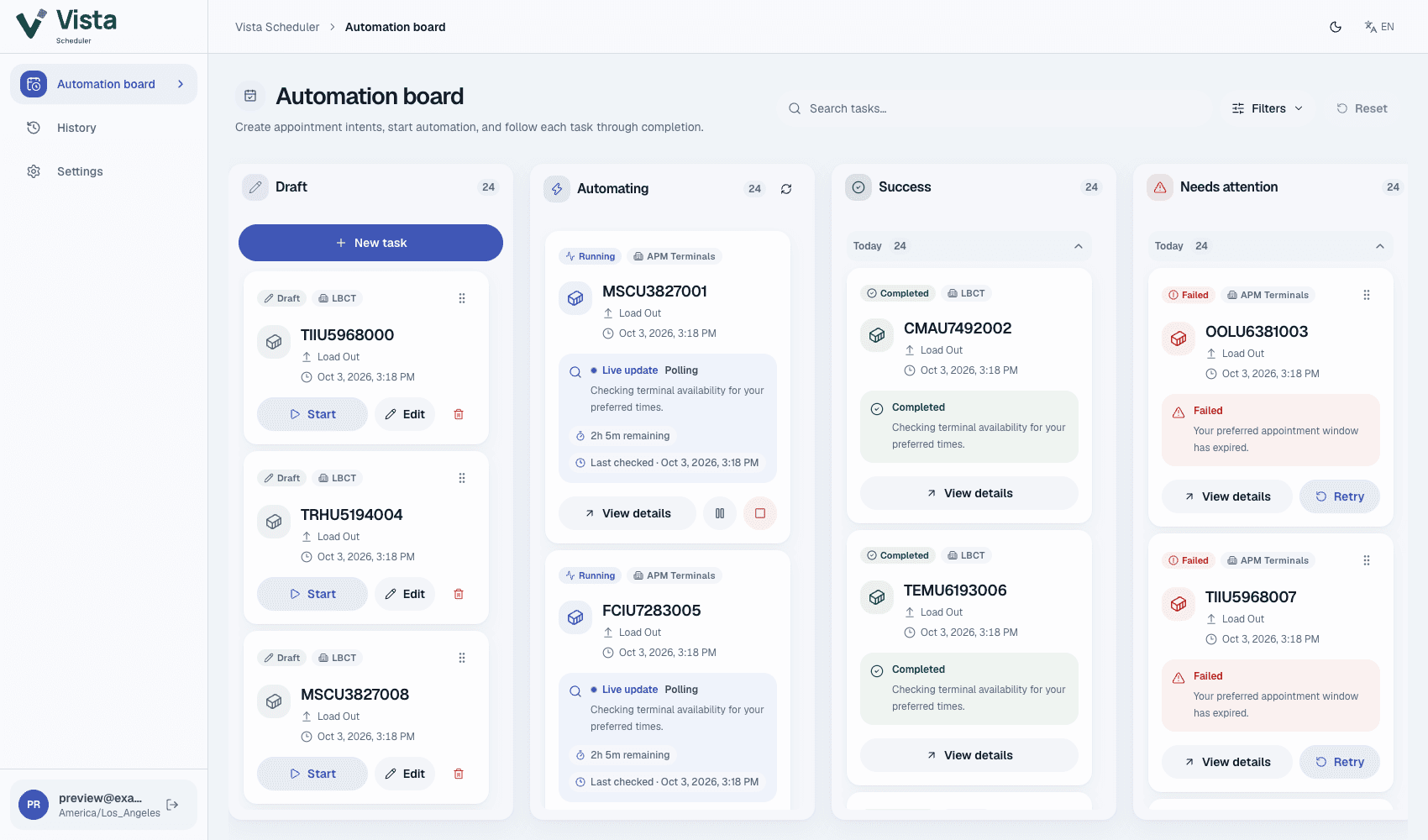
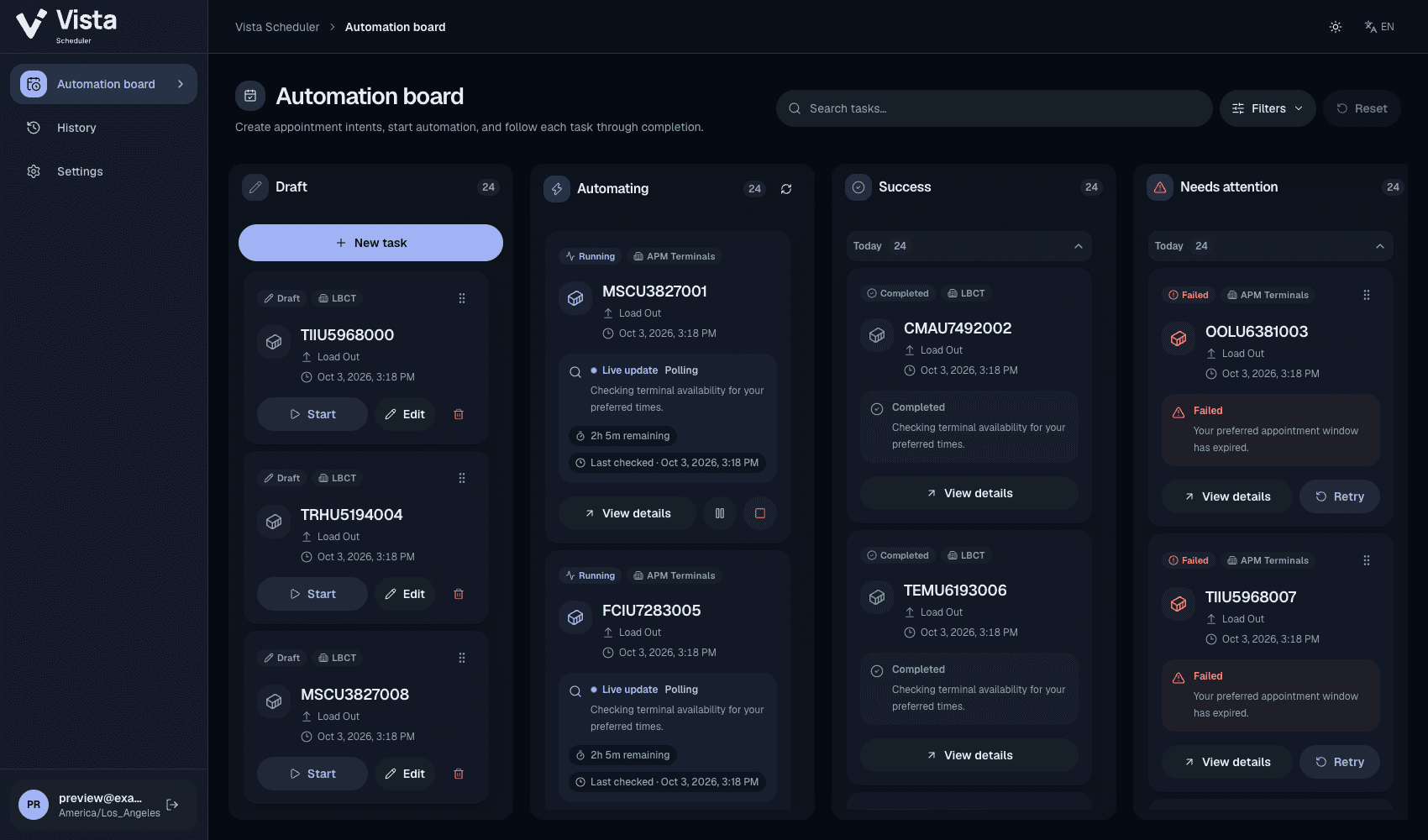
From a preferred slot to a clear outcome.
A shared view of your appointments, with the details your team needs to take the next step.
Set your preferred times
Choose a container, terminal, and appointment window. Save a draft until you’re ready to start.
Follow the work as it happens
See active checks, remaining time, and progress together on your automation board.
Keep the context. Try again.
Review an outcome in history and create a retry draft with the details already filled in.
Your next appointment starts here.
Sign in with the account provided by your administrator.